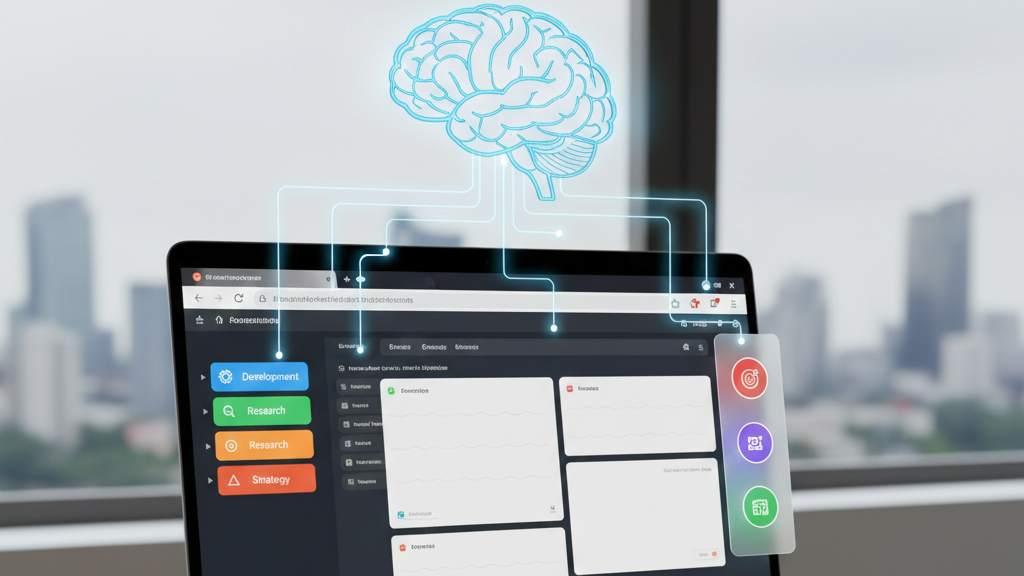
We’ve all been there. You sit down to work at 9:00 AM. By 11:00 AM, you start with 1 unread email and end up with 43 tabs open. You can’t read the titles anymore—just a squeezed row of tiny favicons. You click one, forget why you opened it, click another, and suddenly realize you’ve spent 20 minutes navigating to work.
This isn’t just being disorganized. It’s a recognized productivity killer called Browser Fatigue.
Browser fatigue is a cognitive condition where the mental load of managing open browser tabs exceeds the user's ability to process information, leading to stress and reduced output.
Depending on your job, this manifests differently. The cost isn't just lost time; it's lost intelligence.
The 5 Universal Symptoms of Browser Fatigue
If you experience 3 or more of these productivity killers, you are in the danger zone. 1. The Favicon Squeeze: Your tabs are so compressed you can only see the icon, forcing you to "hover and guess" to find your work.
2. The "Read Later" Graveyard: Digital hoarding is the act of keeping tabs open indefinitely due to the fear of losing information. You keep articles open for weeks, treating your browser like a storage unit.
3. The RAM Panic: Your laptop fan sounds like a jet engine because Google Chrome memory usage is capping out your RAM.
4. The Ctrl+F Dependency: You have to use a search function just to find a tab that is currently open in your window.
5. The 60-Second Reset: Context switching cost is the time and mental energy lost when shifting attention between different tasks. When you switch tabs, it takes a full minute to remember: "Wait, what was I researching?"
The Impact: How It Hits Different Knowledge Workers
Browser fatigue destroys the specific type of "Deep Work" required for high-leverage roles. Here is how the resource drain happens in real-time.
The "Context Stack Overflow" (Developers)
The Resource Drain: You are deep in a complex problem-solving state. Every time you switch to the browser to check docs or a forum, your mental map crumbles. It takes an average of 23 minutes to fully recover your "flow state" after a distraction. This burns hours of engineering time simply trying to re-orient yourself in the code.
The Efficiency Fix: Stop treating your browser as a general-purpose window. Isolate your "active debugging context" into a dedicated cluster to prevent web noise from polluting your coding environment.
The "Tab Amnesia" Cycle (Researchers & Students)
The Resource Drain: You read ten different sources to build an argument, but by the time you reach the last one, the connections to the first have faded. You end up re-reading the same PDFs multiple times because your brain cannot hold the semantic relationships between 20 open tabs. This leads to redundant work and surface-level analysis.
The Efficiency Fix: Shift from "linear consumption" to "active synthesis." Instead of keeping tabs open as a memory crutch, use a method to capture the relationships between sources immediately so you can safely close tabs.
The "Dashboard Paralysis" (Founders & PMs)
The Resource Drain: Your screen is a chaotic mix of strategy docs and operational tickets. You waste significant cognitive energy just filtering out visual distractions to find the one metric that matters. This "toggle tax" drains the mental battery specifically reserved for critical decision-making.
The Efficiency Fix: The key to efficiency is environment control. You need a workspace that allows you to "hide" operational clutter when you are in strategic mode, protecting your executive function.
The Root Causes: Why Your Browser Is Draining You
Many users assume they are just "messy." But the real issue is that modern browsers were built for reading pages, not for managing work. To cure fatigue, you need to understand the design flaws failing you.
The "Amnesia" Flaw (Causes Digital Hoarding)
The Problem: When you ask how browsers work, the answer is that they have no memory of context. Browsers remember the URL you visited, but they forget why you went there.
The Reality: Browser amnesia occurs because standard browsers lack the working memory to save the mental context of a research session.
The Cost: This forces you into digital hoarding. You keep 50 tabs open not because you need them now, but because you are terrified that if you close them, you’ll lose the "thread" of your idea forever.
The Priority Failure (Causes Visual Clutter)
The Problem: Browsers lack visual prioritization. To Chrome or Safari, a critical 50-page strategy document and a 30-second distraction like Twitter look identical. They both get the same tiny square in your tab bar.
The Cost: Your brain has to burn energy just deciding what to look at. This constant filtering process is a primary cause of reduced focus and exhaustion by midday.
The "One-at-a-Time" Trap (Causes Context Switching)
The Problem: Real work involves connecting dots between multiple sources, but the core browser user experience (UX) forces you to view only one page at a time.
The Cost: To connect Idea A to Idea B, you have to click back and forth. The tool forces you to think in straight lines, even when your work is complex. This toggle tax destroys your flow state every time you switch tabs.
The Prescription: Stop Treating the Symptom
Most people try to fix Browser Fatigue by closing tabs. But that never works, because the work requires those tabs.
The solution is to organize your workspace.
Noted is the first AI browser extension designed to cure this specific pain.
It offers Tab Clustering so your "Work" doesn't mix with "Play."
It acts as a Second Brain, holding information for you to reduce cognitive load.
It lets you use LLM of your choice within the sidebar, so that you don't switch between Claude, Gemini, Grok and ChatGPT.
Stop fighting your browser and start working with Noted.